
Make your first swap
You need a little DOGE in your wallet first: every transaction on DogeOS pays its network fee in DOGE.
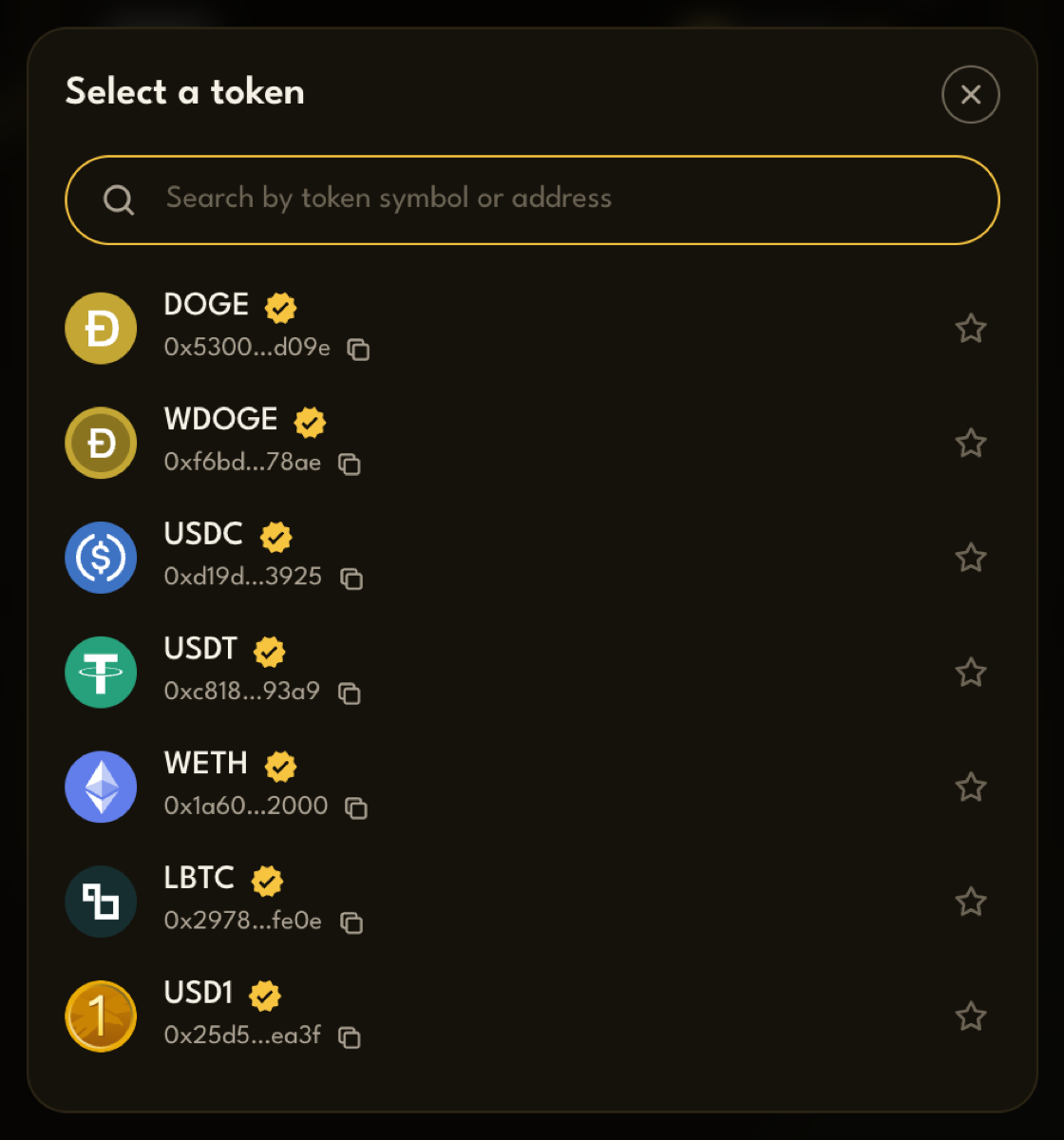
- Pick what you sell. In the Sell box, press the token button and choose a token.
- Pick what you buy. In the Buy box, choose the token you want.
- Enter an amount. Type it in the Sell box, or press your balance to sell all of it.
- Check the quote. Below the boxes you’ll see the rate, the Minimum received and the Trade route. See Read your quote.
- Press Swap, then confirm in your wallet.
The button tells you where you are:
| Button | What’s happening |
|---|---|
| Approve TOKEN in your wallet… | The first time you sell a token, your wallet asks you to allow PackSwap to use it |
| Approving TOKEN… | That approval is being confirmed on-chain |
| Confirm the swap in your wallet… | Your wallet is asking you to confirm the swap |
| Swapping… | The swap is being confirmed on-chain |
When it’s done you’ll see Transaction Successful, with a link to view it on the explorer.
Good to know
Section titled “Good to know”- Approval happens once per token. After you approve a token, later swaps of it go straight to the swap step. See Staying safe for what an approval means.
- Selling all your DOGE keeps a little back, so you can still pay the network fee.
- You can type in the Buy box instead. PackSwap then works out how much you need to sell, and shows a Maximum sold instead of a minimum received.
- The arrow between the boxes swaps them, so you can turn a buy into a sell in one tap.