
Sign in
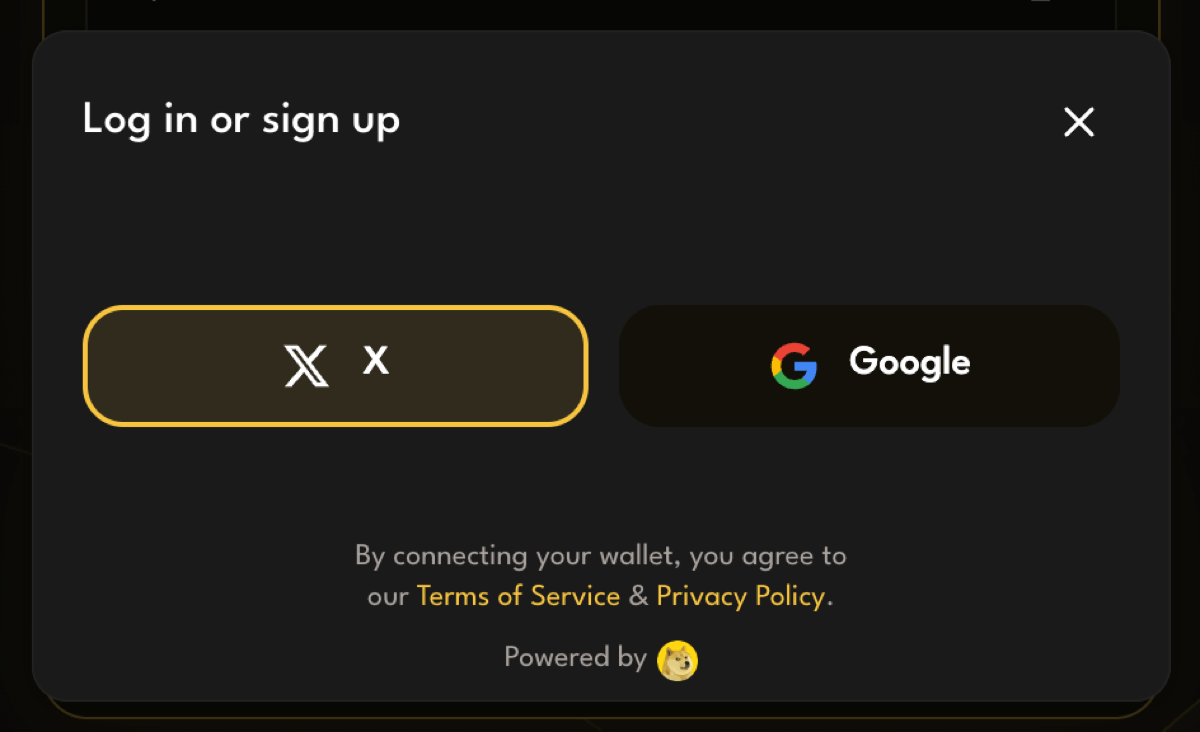
PackSwap uses the DogeOS wallet. You sign in with an account you already have, and a wallet is created for you. There’s no seed phrase to write down and no extension to install.
- Open packswap.xyz.
- Press Connect Wallet in the top right.
- Choose Google or X.
- Finish signing in in the window that opens.
When you’re signed in, your wallet address appears in the top right where Connect Wallet was.
Your wallet panel
Section titled “Your wallet panel”Press your address in the top right to open your wallet panel. It shows:
- Assets: your token balances. The eye icon hides or shows them.
- Activity: the swaps you’ve made on PackSwap.
- Disconnect: signs you out.
If sign-in doesn’t work
Section titled “If sign-in doesn’t work”- Open the site in Safari or Chrome, not inside the X or Telegram app.
- Allow pop-ups for packswap.xyz if your browser blocked the sign-in window.
- Close the sign-in window and try again.